Keep recipes in one spot
Type recipes in, upload photos of the original card, and search by title or category. Handy when you're moving or the box in the pantry is getting brittle.
Shared family cookbooks
Type up old cards, add photos, and invite relatives to contribute. When someone texts asking for your aunt's potato salad recipe, you can send a link instead of digging through a drawer.

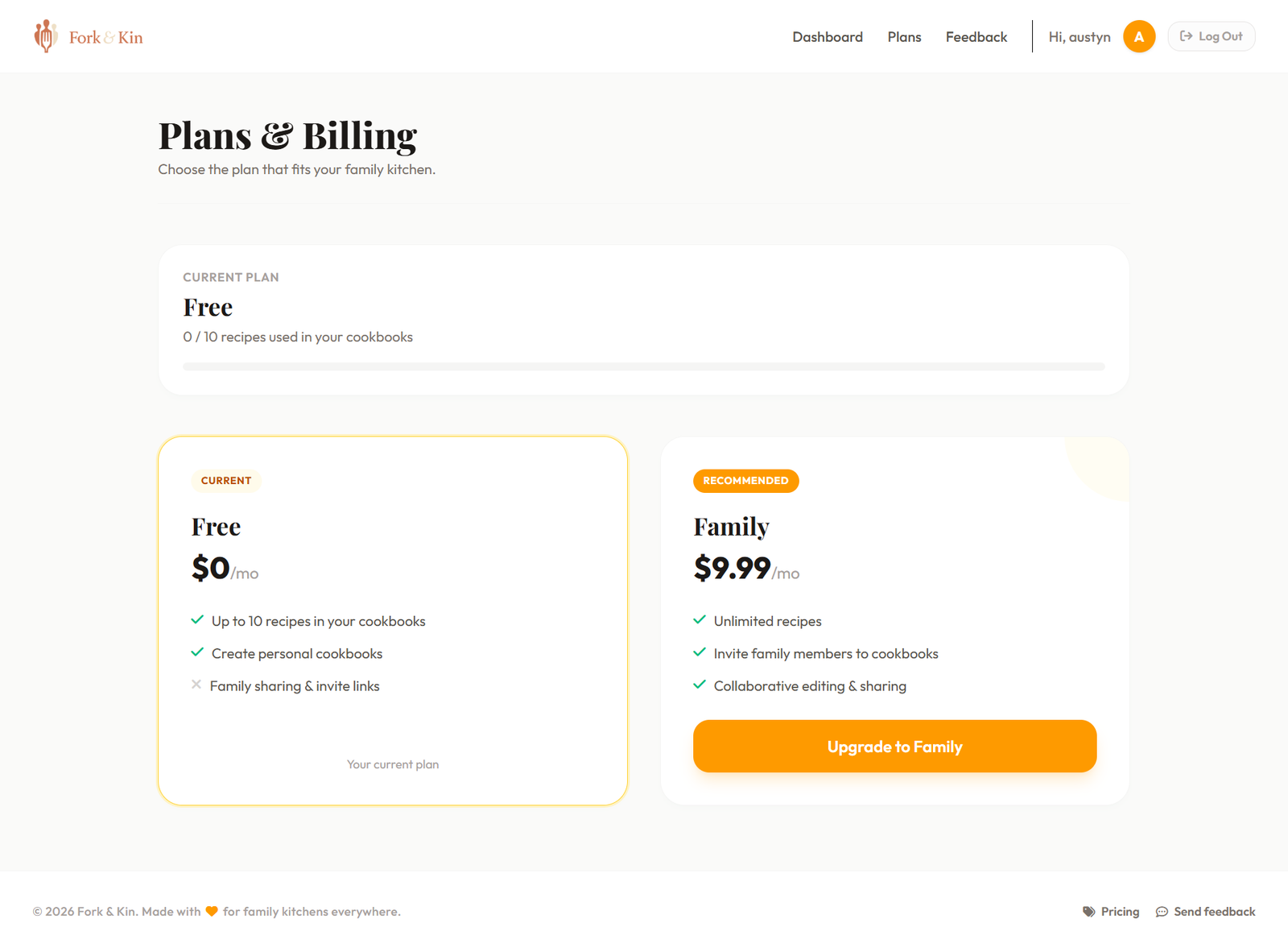
Free plan
Up to 10 recipes, no card required
Family plan
Unlimited recipes and invite links
Photos & notes
Attach scans of handwritten cards
Store recipes, share them with relatives, and keep the originals on file.
Type recipes in, upload photos of the original card, and search by title or category. Handy when you're moving or the box in the pantry is getting brittle.
On the Family plan, send an invite link so others can add and edit recipes in the same cookbook. Good for spreading the work after a holiday when everyone wants copies.
Each recipe can include a short note (who taught you, when you make it, substitutions you actually use). Helpful when the instructions say "a pinch" and only one person knows what that means.
App tour
Click through the main pages before you sign up.
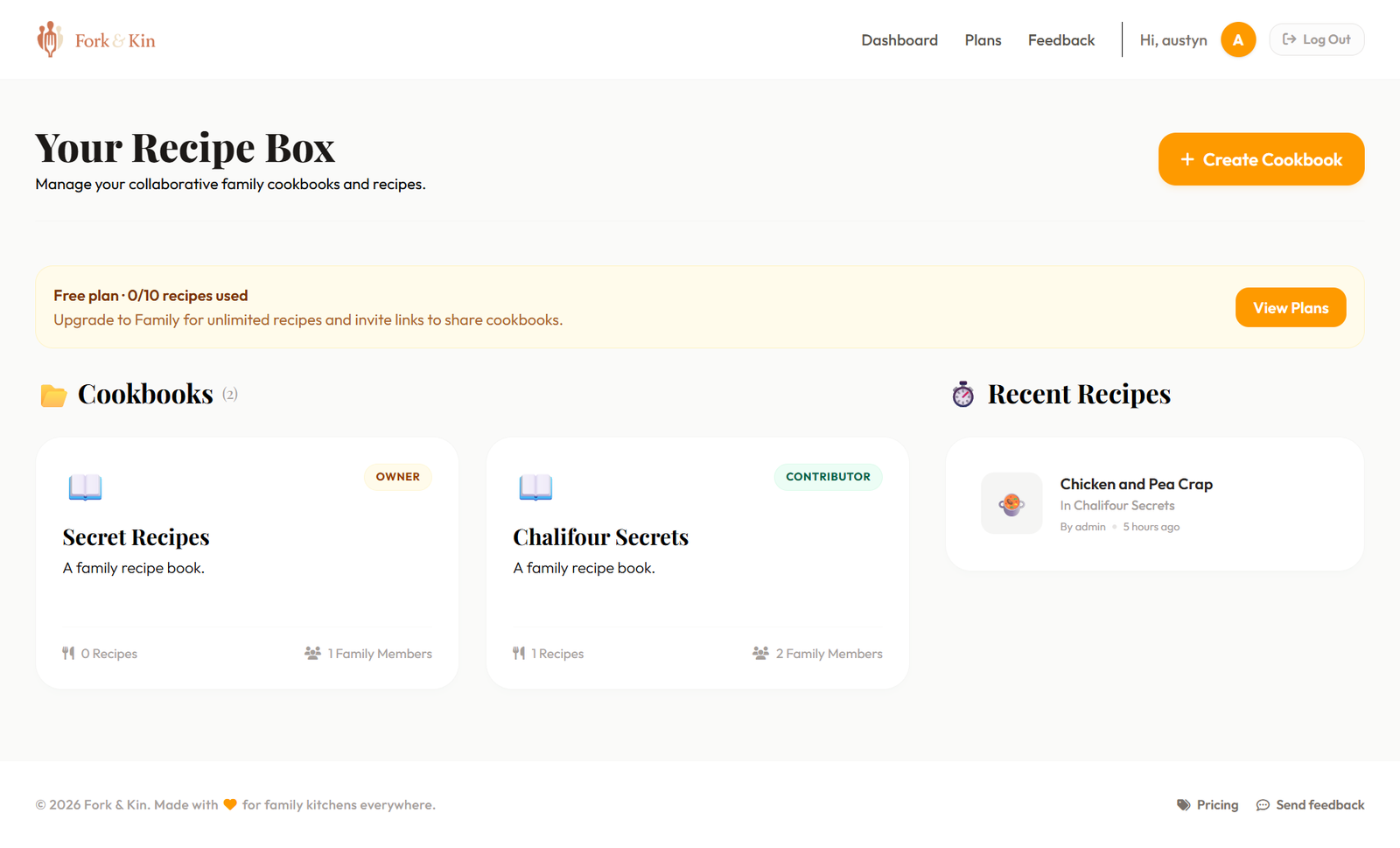
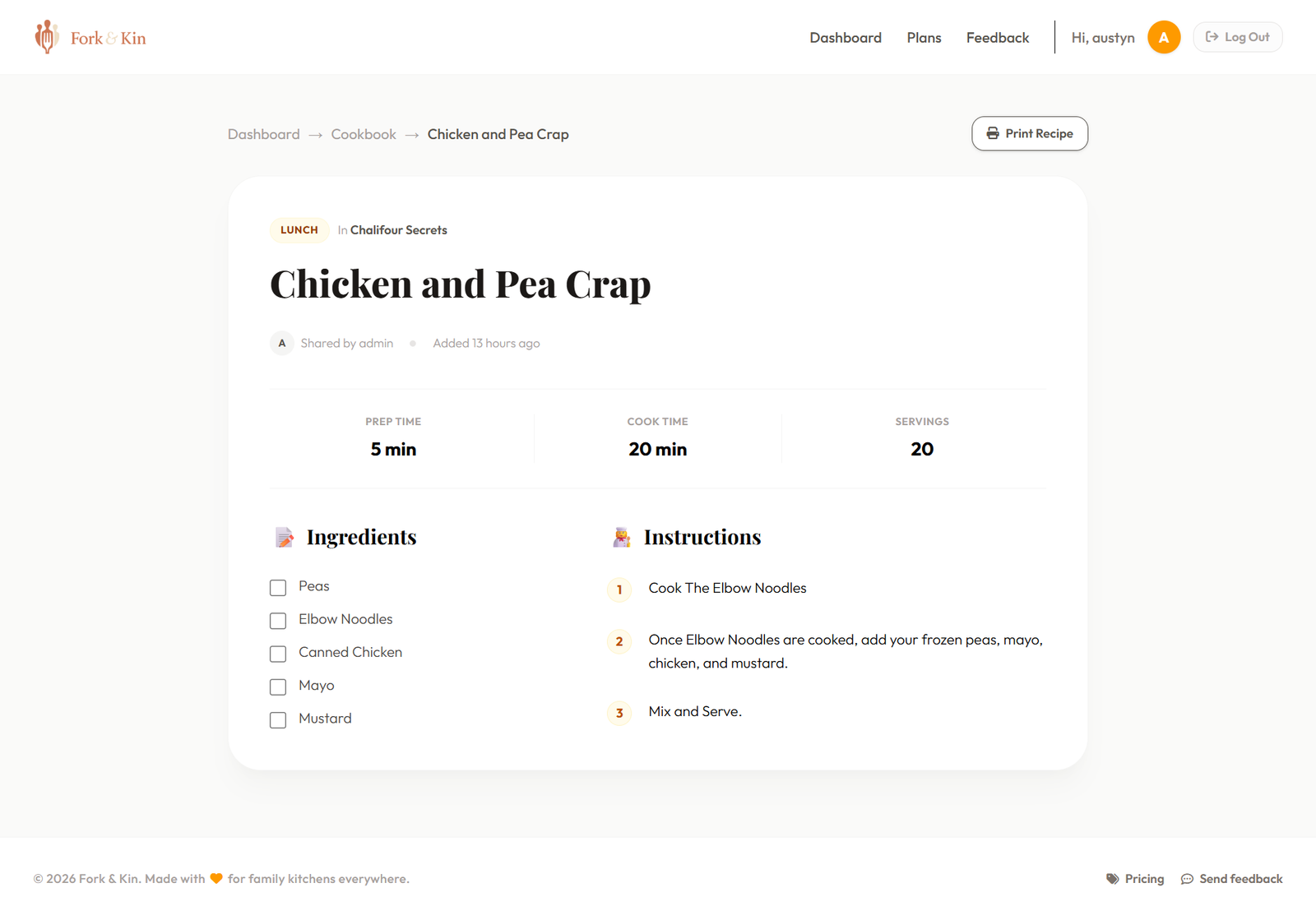
Your dashboard lists cookbooks you belong to and recipes you opened recently.
Upload a photo of the dish or the handwritten card.
Family plan members can invite others to view and edit the same cookbook.
Optional text field for tips, substitutions, or who passed the recipe down.
Sign up, invite people, add recipes.
Create an account and name your first cookbook (e.g. "Martinez family").
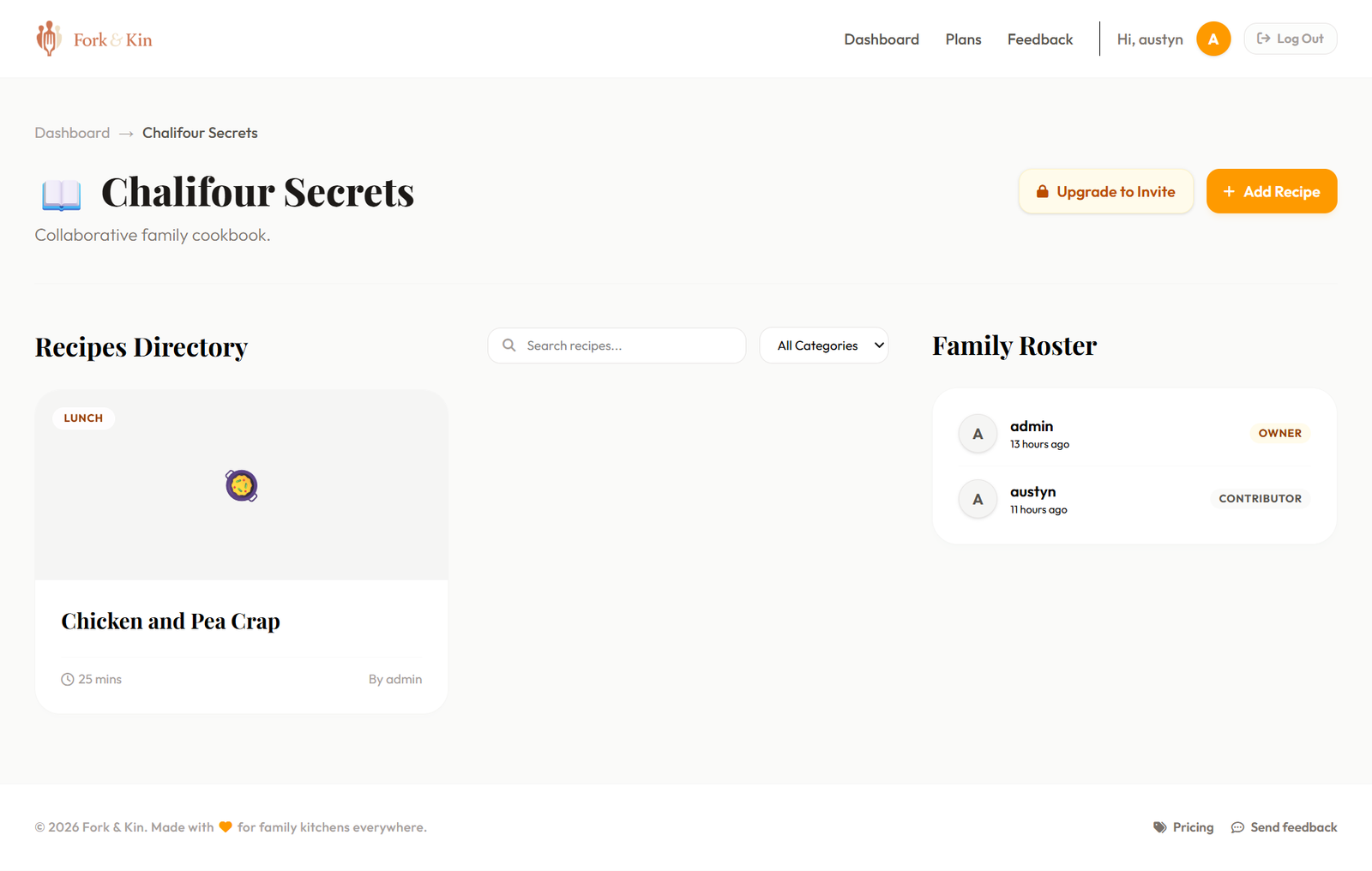
On the Family plan, copy an invite link and send it by text or email.
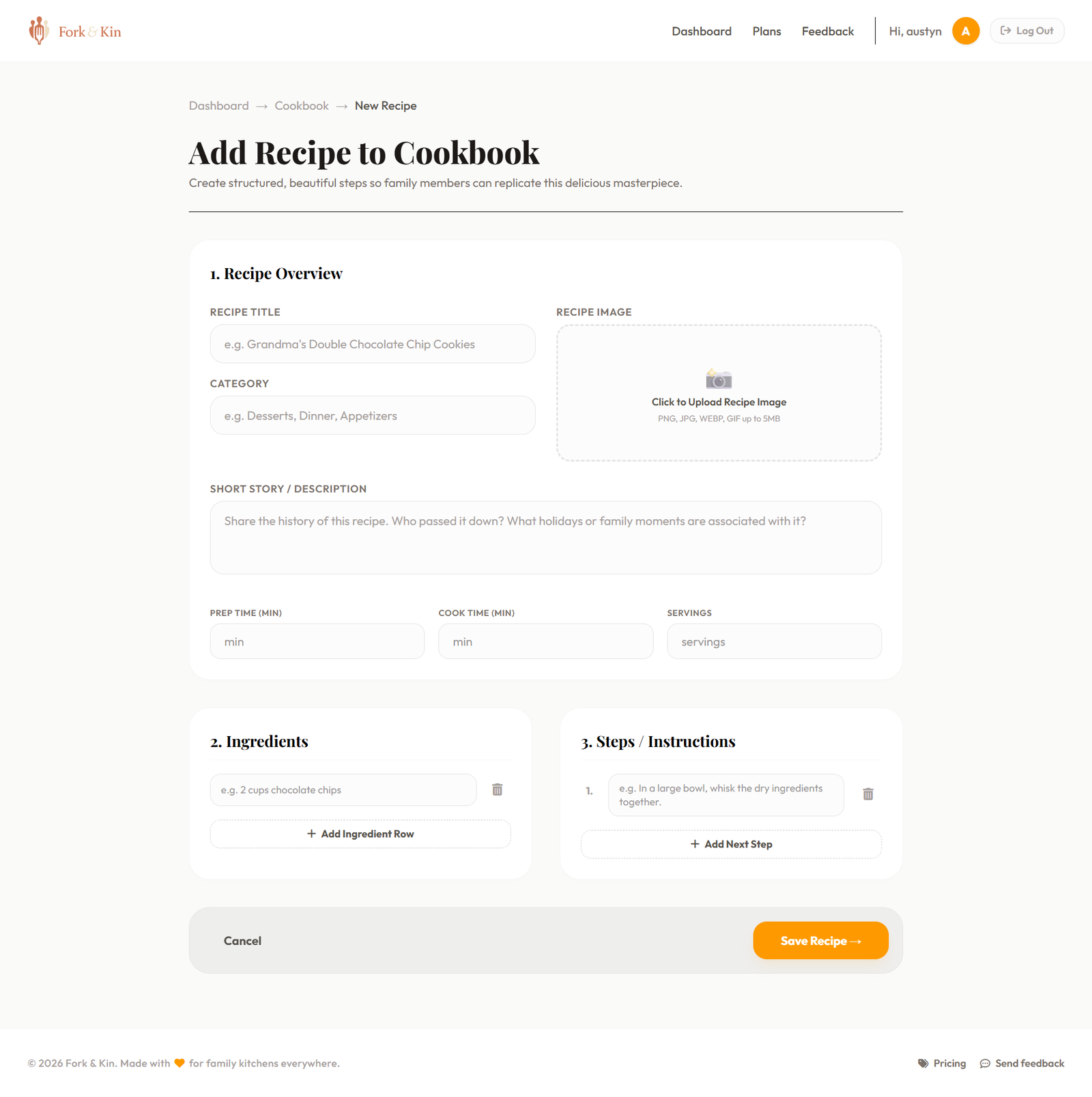
Enter ingredients and steps, upload a photo, and save. Edit anytime.


Most of us already have recipes scattered across texts, photos, and paper. Fork & Kin is for keeping the instructions and the extra bits (who gave it to you, holiday variations, a photo of the card) together.
Stories
Free-form notes on each recipe.
Traditions
Tag or describe when you usually make a dish.
Photos
One or more images per recipe.
Memories
Who taught you, tweaks you always make, etc.
Family history
Shared cookbooks stay with invited members.
A few common reasons folks sign up.
"Mom's recipe box was falling apart. We typed up the cards we still had and photographed the rest."
"Cousins in different states kept texting for the same chili recipe. Now there's one link."
"We attached scans of grandma's handwriting next to the typed version so the original isn't the only copy."
Start free, upgrade when you are ready to share recipes with the whole family.
$0.00/mo
$9.99/mo
Billed monthly · Cancel anytime
Billing, invites, and privacy.

Ready to set up your cookbook?
Free account, up to 10 recipes. Upgrade later if you need more.
Sign up free